CRTO: Lifetime access to a course that doesn't exist any more
I bought Red Team Ops on 30 July 2020, order #00531, £649 plus VAT. Canvas LMS access, shared VPN labs, both Covenant and Cobalt Strike taught as C2 options. The Cobalt Strike trial came through Strategic Cyber LLC, the small operation Mudge ran before HelpSystems (later Fortra) absorbed it. Scheduled the exam 11 months later, sat down on a Friday evening in June 2021, and started working through the initial foothold.
The next morning we put Funfel, our cat, to sleep. He'd been with the family for 20 years.
I didn't go back, and the mental block calcified as years passed and life moved on. The cert sat in the pile of things that lose urgency when you stop looking at them.
In 2026, between jobs, I logged back in. The C2 choices had changed, the labs had moved to a browser, the LMS had been replaced, and the exam had been redesigned with OPSEC scoring. Same course name, but a very different product.
Coming back
Between July 2021 and May 2026, the course I'd paid lifetime access for went through four material changes. Covenant was dropped as a C2 option in favour of Cobalt Strike (August 2021). The shared VPN labs, where students routinely broke each other's environments, were replaced with private browser-based instances - first through SnapLabs, then Skillable. The LMS migrated twice: Canvas to Thinkific in early 2022, Thinkific to LearnWorlds in May 2025.
The exam redesign was the structural shift. The old format gave you 48 hours of lab time across four calendar days, scored on capturing several flags with a 75-point pass mark and £99 retakes. The new format (May 2025) drops flags entirely in favour of a single operational objective, halves the lab time to 24 hours, extends the calendar window to seven days, raises the pass mark to 85, and makes retakes free and unlimited. Half the total score is now OPSEC discipline, graded mechanically against criteria including blocked code execution, unusual process network connections, default Cobalt Strike indicators, suspicious lateral movement and LSASS handles, and disabling security controls. The scoring change matters more than the time change. The exam moved from 'did you reach the operational objective' to 'did you do it quietly.'
Lifetime access kept its promise on paper; it's just the thing being accessed had been replaced four times over.
The tradecraft moved underneath
Cas van Cooten's Windows and Active Directory exploitation cheatsheet, published November 2020 with a major June 2021 update, is one of the better community references from that era. He compiled it from his work across multiple AD-focused certs (CRTP, CRTE, OSEP, and CRTO), so it captures what offensive AD tradecraft looked like broadly the month I bought the course, not just the CRTO curriculum. Reading it in 2026 is like watching a different sport.
The cheatsheet is wall-to-wall PowerShell with Invoke-Mimikatz, Invoke-WebRequest, IEX (New-Object Net.WebClient).DownloadString(...) on every other line. PowerView cmdlets handle all AD enumeration. Mimikatz runs on disk against LSASS. Cas marked the loud techniques with a red flag emoji and left the OPSEC call to the operator. Beacon Object Files were barely a year old and hadn't become the default tradecraft pattern when Cas wrote his post.
The 2026 course has replaced almost all of it. PowerShell is invoked via powerpick only after its signature strings have been stomped, if at all, and the preferred path is running tooling through SOCKS from the attacker desktop rather than fork-and-run on target. The same applies to execute-assembly. A few operations force the fork-and-run cost regardless - Rubeus /tgtdeleg needs a real Kerberos logon session on the Beacon, so it can't be proxied from the attacker desktop, and you accept the trade-off because the alternative is worse. AD enumeration runs through LDAPSearch BOF piped into BOFHound for BloodHound-compatible output. Credential access uses BOFs that read Kerberos tickets through the LSA API without opening a handle to LSASS.
Entire attack surfaces have appeared since. SpecterOps published Certified Pre-Owned in June 2021, mapping the ADCS abuse chain (ESC1, ESC2, ESC3, ESC4, ESC8). When I bought the course, Active Directory Certificate Services wasn't a named offensive target. By the time I sat the exam, ADCS had its own course module.
Will Schroeder's DerbyCon 2014 presentation Passing the Torch walked through how AD enumeration was changing at the time. Old school was dsquery and dsget, native Windows command-line tools where operators typed raw LDAP filters directly. Newest school was PowerView, a PowerShell toolset that hid those filters behind friendly cmdlets like Get-DomainUser and Find-InterestingDomainAcl. Operators stopped writing LDAP and looked into utilising PowerShell instead.
Twelve years later, the 2026 CRTO teaches LDAPSearch BOF, C compiled into a Beacon Object File. The cmdlet abstractions are gone and operators are back to typing raw LDAP filters by hand. Same (samAccountType=805306368) going down the wire as 2014.
Each layer shift was mainly driven by detection pressure on the previous one. dsquery got command-logged, so PowerView abstracted it into PowerShell cmdlets. PowerView got AMSI'd and scriptblock-logged, and the in-memory patches and reflection-based bypasses that followed got fingerprinted themselves. C# tooling like SharpView and Rubeus inherited the pattern via execute-assembly, then ran into AMSI for .NET and the OPSEC cost of loading the CLR into Beacon. The BOF route exists because moving out of managed code became cheaper than staying inside it and fighting the signature treadmill. Underneath it's still the same LDAP filter, typed by hand again.
The 2020 course produced operators who chose their OPSEC trade-offs with an emoji and their own judgement. The 2026 course grades those trade-offs mechanically against nine criteria. Both have value, optimised for different operator outputs.
Sitting it
I went into the exam not trying to pass on the first attempt. That sounds like a rationalisation for 74/100, but I've done this before. When I sat OSCP in 2014, retakes were $60 and I deliberately used the first attempt as reconnaissance. Failed, learned where the gaps were, and passed cleanly on the second sit.
This strategy is a well known practice. For example, Lars Bo Frydenskov wrote about his OSEP attempts in 2024: "I planned to learn from the first try." Three sits, the first deliberate reconnaissance, the third passed comfortably. Another CRTO student applied the same logic in 2022, choosing "to try the exam directly" rather than prep further. Failed first attempt, then passed three days later.
The exam runs 24 hours of lab time across a seven-day window, launch and pause supported, with a seven-day cooldown only after you submit. My first attempt took 16 hours 54 minutes. I completed the operational objective but bled OPSEC points across application whitelisting violations, network egress from unexpected processes, and service creation patterns. I burned several hours on a Kerberos lateral movement phase that kept throwing access denied on ls \\target\c$. Turned out the TGS was created for the FQDN, but the ls I ran to check access used the short hostname (which Kerberos does not substitute). Around hour 14, stuck on a different pivot, the pre-planned exploration kicked in. At that point, I dropped my OPSEC and watched what Defender would catch.
Retake was seven days later, exactly same chain in the same order, 94/100 in four hours five minutes. I confirmed target accounts against decoys before requesting tickets; BOFs replaced execute-assembly call on target hosts. C2 profile was edited on the attacker Windows VM and deployed to the team server via SCP (avoiding the vim-over-browser problem from below), then verified, twice, before the first beacon. Application whitelisting rules were properly enumerated prior to attempting execution. Same operator on the retake, just one carrying the mechanical OPSEC findings from the first submission and working through them one at a time.
With free unlimited retakes, the exam is free labs in the current CRTO iteration.
For the next person
Some practical notes for the exam:
- Verify the Malleable C2 profile loads on the team server, and test your payloads against Defender on the attacker desktop before deploying to target.
- The exam is assume-breach. You start with console access on the foothold workstation as a local admin, not a running beacon. First job is bypassing host defences to land your initial beacon.
- The exam brief opens with the Operational Objective and a Rules of Engagement section listing Restricted Hosts. Read both before launching. Detections on Restricted Hosts hit your OPSEC score.
- OPSEC feedback is end-of-exam only, not live. You learn at submission what fired. If you suspect a technique might be loud, find a quieter alternative before using it, because you won't know it failed until you've already submitted.
- Save & Exit aggressively between phases. Don't burn lab time when you're thinking / planning offline.
- Prefer fileless techniques over service-creation patterns for lateral movement. Avoid leaving a service artifact on target, even if the operation succeeds.
- Decoy SPNs exist. Enumerate the account and check whether it has the activity profile of a real service before attacking.
- Everything on the exam is in the course. If you're reaching for something exotic you're overcomplicating.
What I'd improve
This is genuinely nitpicking. The 2026 course is a substantial improvement on what I bought in 2020, and the move to free unlimited retakes is the kind of generosity you don't expect from a paid cert (the rest of the market is going the other way). These are minor friction points worth flagging, not complaints about the product.
Every module ends with a hands-on lab. You start from a pre-staged position, work through that module's objective, and you're done. The first time you put it all together end to end is the exam, and the rational response is to treat the first attempt as the sandbox the labs never let you build.
Browser-based remote desktop is arguably the most brittle element of the lab environment. On my first attempt I lost 15-20 minutes trying to edit the Malleable C2 profile in vim on the team server. Every Escape press (and Ctrl+[ as the alternate) froze the virtual desktop for four to five seconds. Normal vim usage means hitting Escape constantly, and the freezes compounded until the session was unusable. Copy-paste was just as unreliable with selections that wouldn't transfer, pastes that delivered the previous buffer, characters mangled in transit. This isn't OS-specific as Discord has reports from Mac, Linux, and Windows users across Firefox, Safari, and Chrome, spanning a year of posts. When it works it's invisible but when it doesn't, you lose tactical time debugging input plumbing rather than the exam.
You can't search across lessons in the RTO course. Canvas had it, custom-built by ZPS and rolled out in August 2021 on top of the self-hosted open-source stack. Neither Thinkific nor LearnWorlds offers it. Three platforms over five years, and two of them shipped without search. For a course where you're constantly looking up lateral movement syntax or OPSEC-safe alternatives from a previous module, the inability to search across lessons is a daily friction.
Coordinated disclosure
I also responsibly reported two security issues in the lab platform. Both are under embargo with the relevant vendors; a follow-up Beyond CRTO post will cover the technical detail once the fixes ship.
Giving back
Two things I built while going through the course that might save you time:
- CRTO Course Search is a Tampermonkey userscript that adds full-text search across LearnWorlds course content. It fixes the gap from the nitpick above. Probably works for other LearnWorlds-hosted courses and not just RTO 1/2.
- The LDAP queries gist collects the LDAP queries I used during prep and the exam, organised by intent. LDAPSearch BOF format, anonymised.
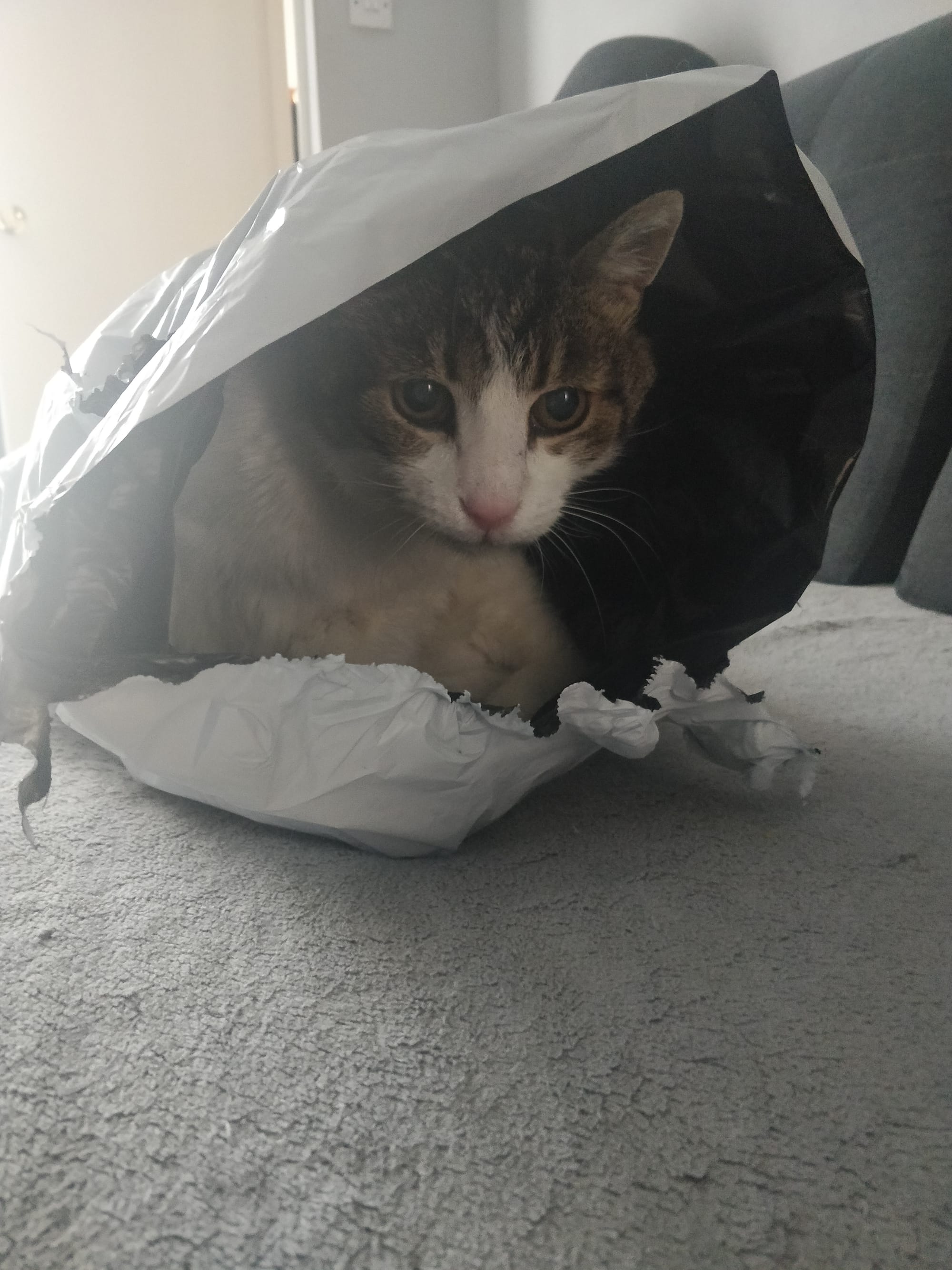
I miss you buddy.
